

The process is a really easy process, as long as you have the right tools to do so!
What you will need:
1. If you already have a 2 dimensional or "flat" cover, we can just put it into this program to create a standing up book.
2. If you need to design a cover yourself, you can also do that using this program.
For the steps listed below on how to make your eBook cover stand up in 3 dimensions, we will use a pre-existing book cover and make it appear as a Hardcover text book.
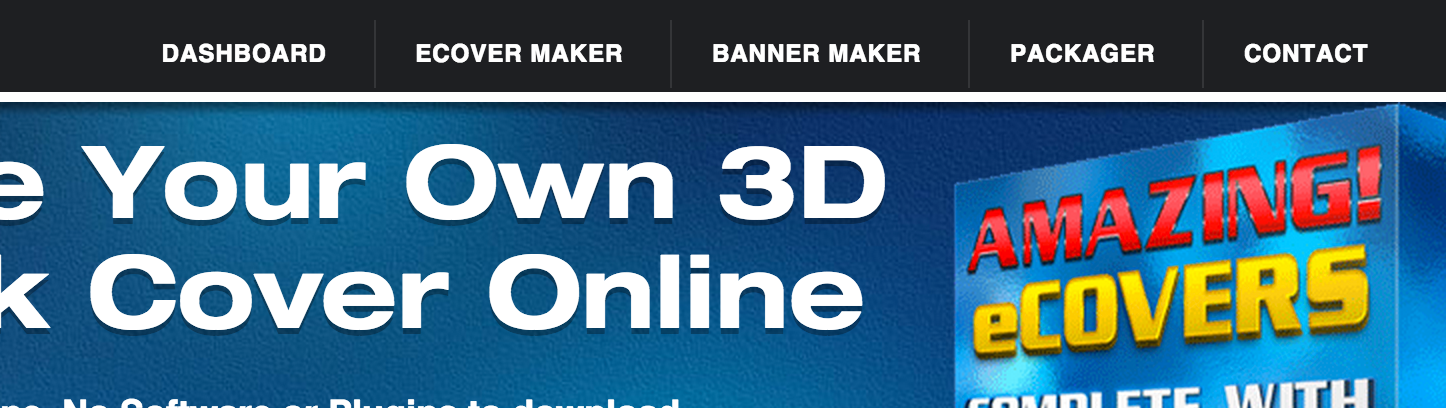
1. Go to the MyEcoverCreator.com website and click on "Ecover Maker." (note, even if you do not have an account, you can still start the process and design your standing book cover). You may choose to purchase the image without the watermark for $4.95 when you're done.
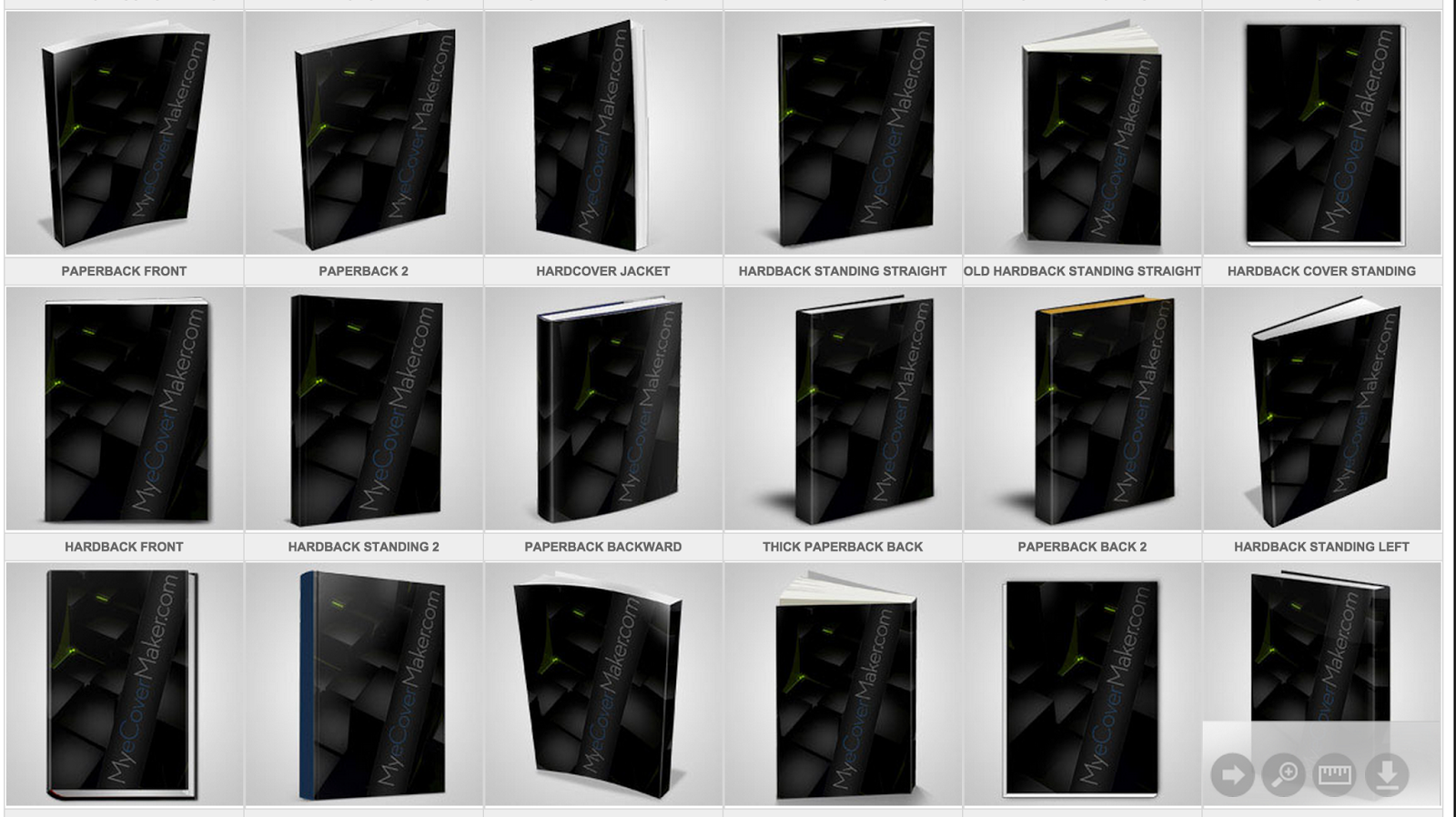
2. Scroll down and select the 3-D layout that you want your book to look like. For instance, if it is a thin guide, you may want to have the cover be thinner, or if it is a guide with multiple pages, you may want to make it look larger.
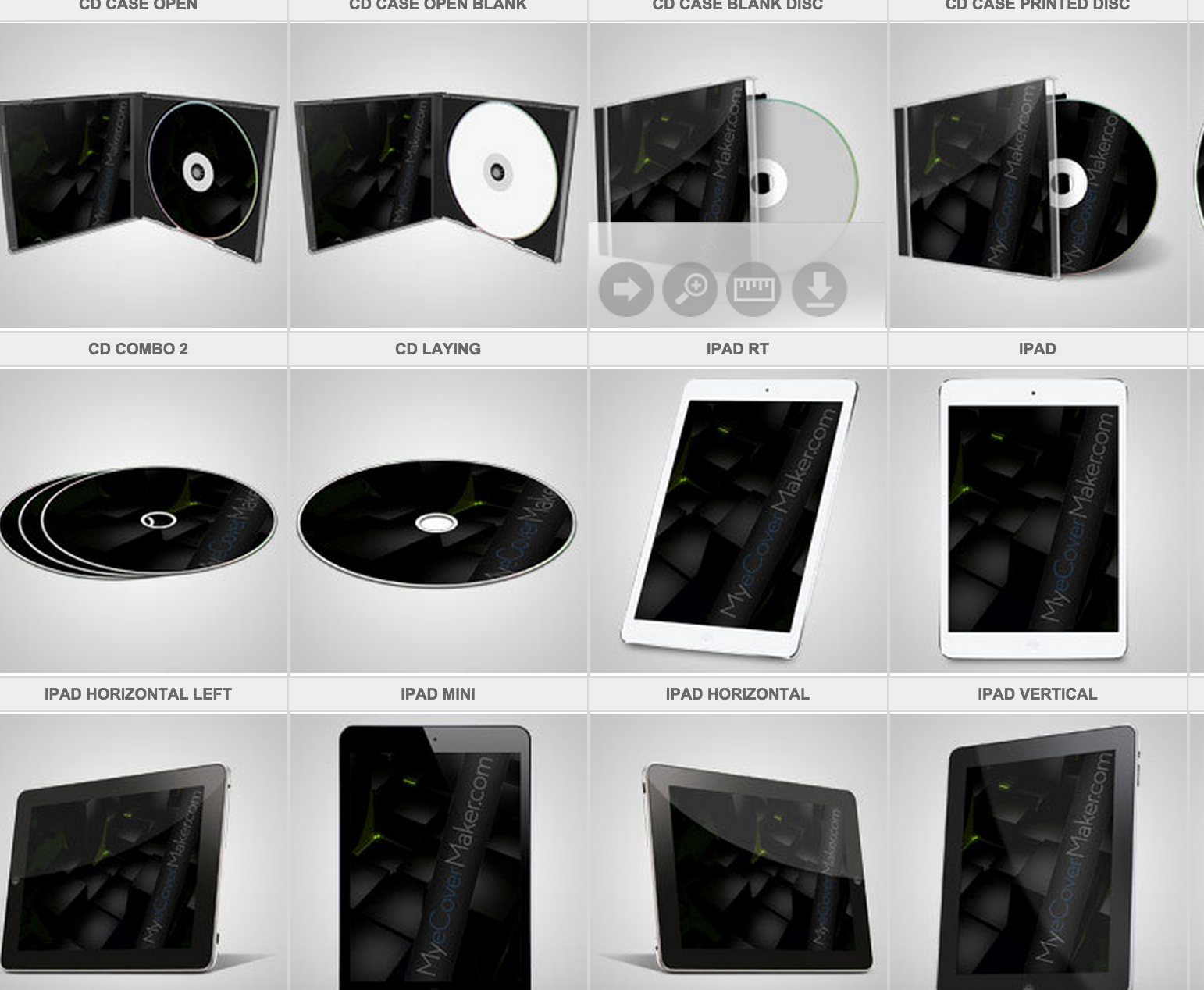
3. You can even make your ebook look like an iPad, tablet, iPhone, or other smartphone, including Kindles covers, Nook covers, and CD, DVD, and software boxes.
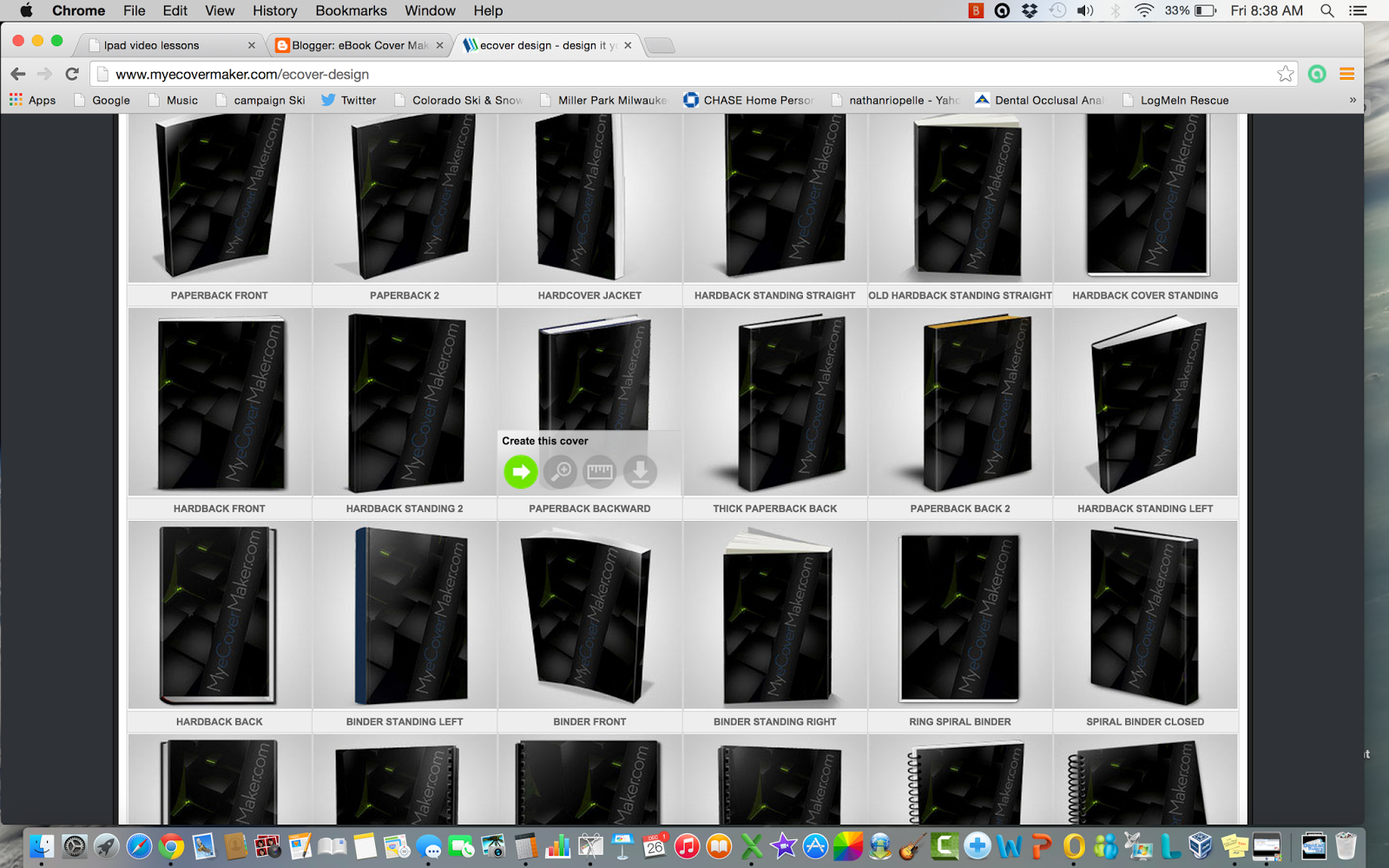
4. When you decide on a 3D layout, click the Arrow icon to "Create this Ecover"
5. Click Upload Your own Image (or feel free to use the layout function to design your own 3d ebook cover)
6. Upload the image from your computer, or use a previously uploaded image saved to your library. If you set up an account, you can keep unlimited images in the library and come back later and create libraries or "packages" of ebooks.
This is how marketers and web designers make an ebook look like a library of books, including software boxes, DVDs, CDs, etc. See an example here:

7. Once you adjust the dimensions, click "Select and Continue" and then "Finalize" to create the finished product!

If you are going to start selling Ebooks or digital products on sites like Clickbank for example, you will need to have a way to show the product that you are offering, even if it is a digital product.
Having a 3D version of your e-product will increase your sales - people want to have an idea and see the information they are receiving as a tangible product, so creating a visually appealing, tangible item will help them understand what they are actually receiving.
For instance, if you are selling an audio product, you may want to make an ECover showing multiple CDs, or if you are selling video instructions on "How To X..." you may want to create a DVD ecover or DVD box.
What If you Have a Limited Budget?
Even if you are just getting started out, you can create your covers as you go, and make them look exactly the way you want, without having to make a significant investment, since it is only $4.95 per cover you create.
I used to have my books created on Fiverr, but it took way to long, and I would end up paying 2 or 3 Fiverrs in order to get it to look the way I wanted it to, so the re-works can end up costing more than doing it yourself at first.
After you get really good, I found that the program allows you to make anything from banners (you just need to know the size of the banner you're making) or even WordPress Headers.
In most WordPress Templates, the theme will tell you the dimensions of the header. So you use the MyEcoverCreator program to design a banner in pretty much any dimension.
For example, if your WordPress theme calls for a header at 973 x 150 pixels, you can create a banner using the WYSIWYG designer in the MyEcoverCreator to get your header designed.
Best of luck!
Nate Rio
Nate is an experienced digital and internet marketing expert. He uses the online software program MyEcoverCreator.com to create all of his WordPress Headers, 3D Ebook Covers, and Product Packages for all of his sites and his client work in the dental industry.
